Admission Open — Apply Online Certificate & Result — Online Verify Authorised Study Centre — Apply Franchise
Admin Login Centre Login Staff Login Student Login
Home›Courses›Certificate In Computer Concept
📂 Computer And Information Technology 🎓 Certificate Course 🔥 Admission Open

Certificate In Computer Concept

Build practical computer skills for everyday study, work and digital tasks.
⏱️
Duration3 Months
🎓
Eligibility10th Pass
📚
Subjects8
🏅
CertificateSCT Board
Certificate In Computer Concept
COURSE FEE₹3,000

Course Overview

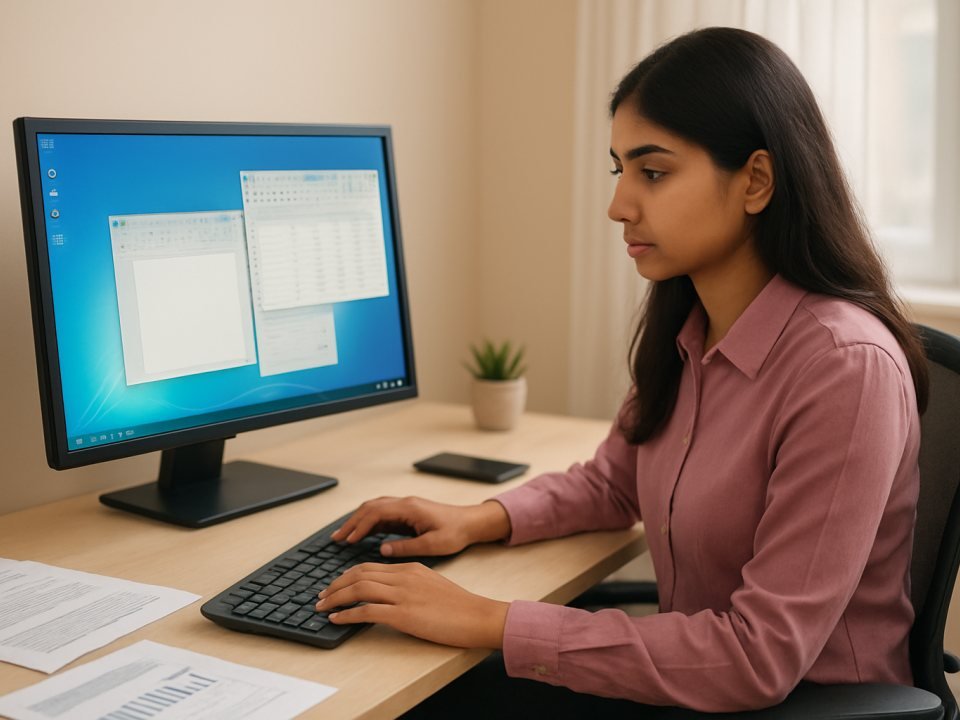
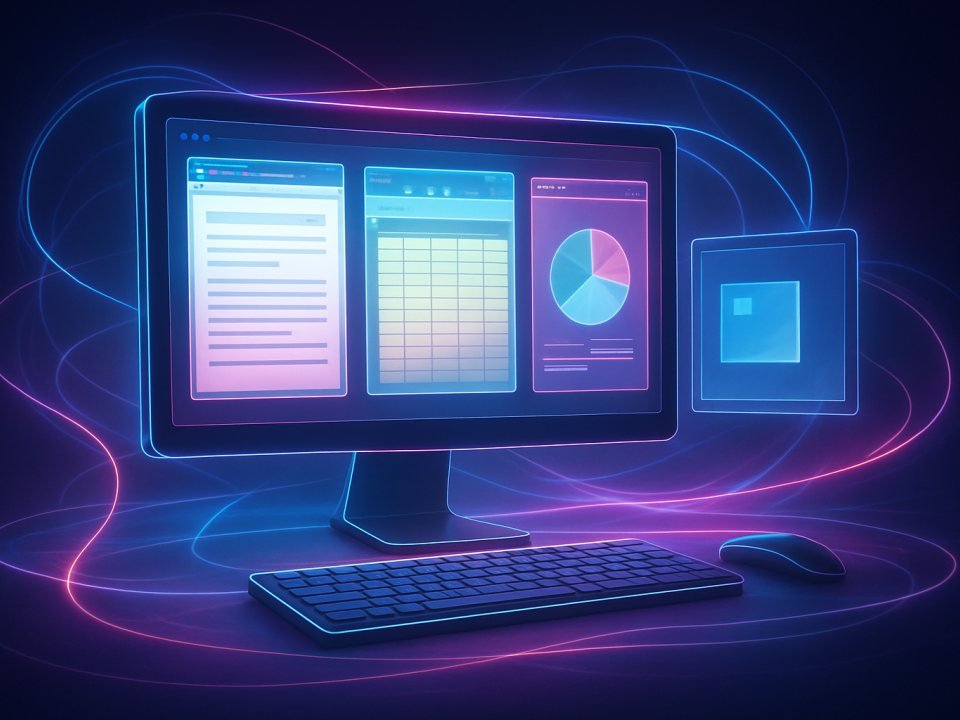
The Certificate In Computer Concept is a three-month introductory course in computer and information technology. It covers computer basics, operating systems, office applications, internet use, online communication and an overview of future skills and cyber security. Lessons are designed to help learners understand common digital tools and practise essential tasks.

Students explore word processing, spreadsheets and presentations using Microsoft Office or LibreOffice applications. They also learn about web browsing, collaboration tools and safe digital habits. The course is suitable for beginners who want structured computer learning. Topics, study arrangements and assessment details may be confirmed with an SCT Board authorised study centre.

Who is this course for?
👤 10th pass students👤 First-time computer learners👤 Job seekers👤 Small business learners

Why Choose This Course?

Key features of this course
💻Computer FundamentalsLearn basic computer parts, functions and common uses.
📝Office ApplicationsPractise documents, spreadsheets and presentations.
🌐Internet SkillsUnderstand web browsing and useful online services.
🤝Digital CollaborationExplore communication and collaboration tools.
🔐Cyber SafetyLearn introductory cyber security and safer online habits.
⏱️Three-Month CourseFollow a structured introduction to essential computer concepts.

Curriculum

Certificate In Computer Concept · 3 Months
⬇ Download PDF
01 Introduction To Computers Subject Code: 6854 · Theory ⌄
  • Computer components
  • Input and output devices
  • Types of computers
  • Files and folders
Theory: Pass 35 / 100 marks
02 Introduction To Operating System Subject Code: 3457 · Theory ⌄
  • Operating system basics
  • Desktop and icons
  • File management
  • System settings
Theory: Pass 35 / 100 marks
03 Word Processing (Microsoft Word / LibreOffice Writer)Subject Code: 3458 · Theory ⌄
  • Create and edit documents
  • Text formatting
  • Tables and lists
  • Page layout and printing
Theory: Pass 35 / 100 marks
04 Spreadsheet (Microsoft Excel / LibreOffice Calc)Subject Code: 3459 · Theory ⌄
  • Cells, rows and columns
  • Basic formulas
  • Formatting worksheets
  • Charts and tables
Theory: Pass 35 / 100 marks
05 Presentation (Microsoft PowerPoint / LibreOffice Impress)Subject Code: 3460 · Theory ⌄
  • Create slides
  • Text and image layout
  • Themes and transitions
  • Slide show basics
Theory: Pass 35 / 100 marks
06 Internet And Web BrowsingSubject Code: 3461 · Theory ⌄
  • Web browsers and websites
  • Search techniques
  • Downloads and uploads
  • Online safety basics
Theory: Pass 35 / 100 marks
07 Communication And CollaborationSubject Code: 3462 · Theory ⌄
  • Email basics
  • Online meetings
  • Sharing files
  • Digital teamwork
Theory: Pass 35 / 100 marks
08 Overview Of Future Skills And Cyber SecuritySubject Code: 3464 · Theory ⌄
  • Digital skills overview
  • Cyber security basics
  • Passwords and privacy
  • Recognising online risks
Theory: Pass 35 / 100 marks

Skills & Tools You Will Learn

You will work hands-on with these during the course
🖥️Computer Basics
⚙️Operating Systems
📄Word Processing
📊Spreadsheets
📽️Presentations
🔎Web Browsing
✉️Email Communication
🛡️Cyber Safety

Get Certified

After completing the course and passing the exam
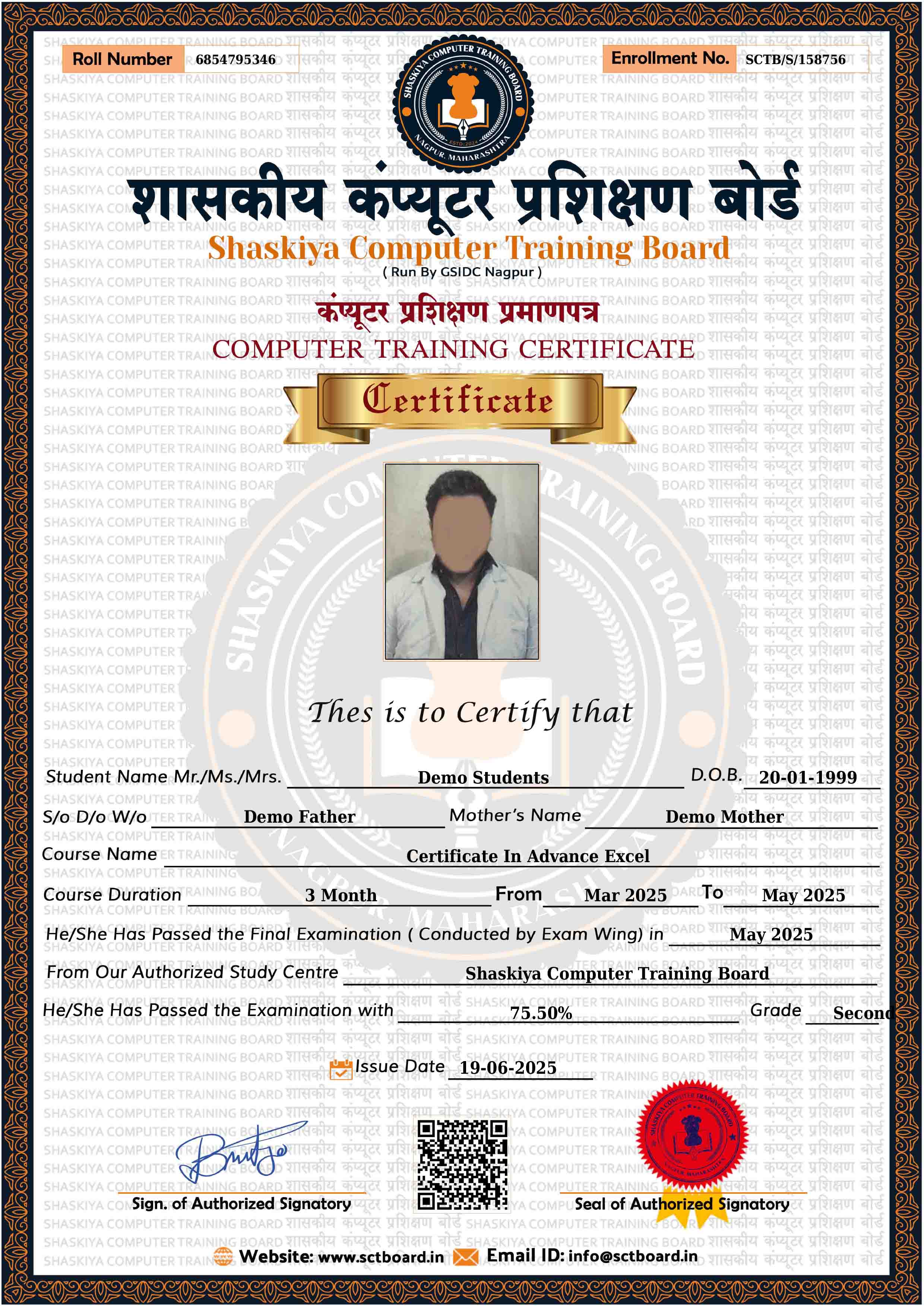
  • Shaskiya Computer Training Board marksheet and certificate
  • QR code on the certificate, online verification on the website
  • Online exam and result facility
Take Admission Now →
Sample certificate

Career Opportunities

After the course you can work in these fields
💼

Computer OperatorMay support routine computer tasks in offices or service centres.

💼

Data Entry AssistantMay enter and update records in offices or business organisations.

💼

Office AssistantMay help with documents and digital records in offices.

💼

Reception AssistantMay use computer tools at front desks in offices or clinics.

💼

Documentation AssistantMay prepare and organise files for businesses or institutions.

💼

Digital Service AssistantMay assist customers with basic online tasks at service centres.

Start Learning Today!

Course Fee₹3,000
Duration3 Months
CertificateSCT Board

Frequently Asked Questions

What is the eligibility for this course?

The minimum qualification is 10th Pass. Contact an SCT Board authorised study centre to confirm the documents needed for admission.

How long is the course?

The course duration is three months. Ask your authorised study centre for the current schedule and class timings.

What mode of study is available?

Study arrangements can vary by centre. Contact an SCT Board authorised study centre to confirm the available mode, class schedule and practical arrangements.

How is the exam conducted?

Assessment and exam arrangements are provided by the study centre. Ask the centre about the exam format, schedule and applicable requirements.

Will I receive a certificate?

Ask the authorised study centre about certificate requirements, including course completion and assessment. Certificate details can be confirmed during admission.

How can I apply for admission?

Admission is through SCT Board authorised study centres. Apply using the admission form on the website, then contact a centre for guidance on documents and next steps.

🎧
Talk to our expert
Complete details of course, fee and admission
📞 +919359335979 💬 WhatsApp
COURSE FEE
₹3,000
Apply Now →
Namaste! 👋 Main SCT Sahayak — ask anything about courses, fees or admission.